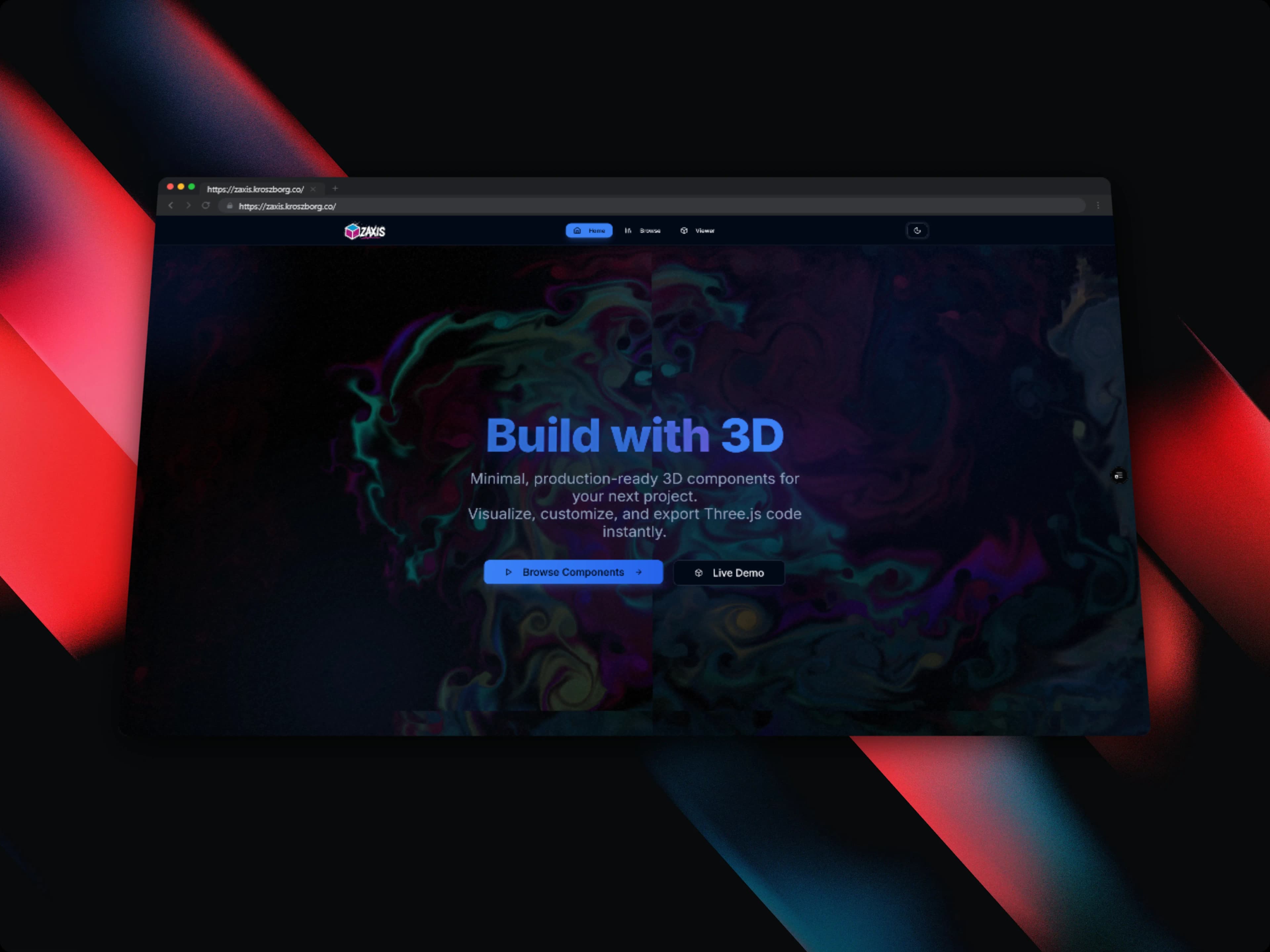
ZAxis - Minimal 3D Components Library
Production-ready 3D UI components that drop into web apps, with real-time customization and one-click code export
Timeline
2 months
Role
Full Stack Developer
Team
Solo
Status
CompletedTechnology Stack
Key Challenges
- 3D rendering performance optimization for smooth 60fps in the browser
- Building a real-time customization engine without page reloads
- Designing a one-click code export system for any configuration
- Making complex Three.js internals approachable via a simple component API
Key Learnings
- Advanced Three.js rendering techniques and WebGL fundamentals
- React Three Fiber and the Drei helper library ecosystem
- Performance optimization: instancing, geometry merging, material reuse
- Component library design principles and type-safe APIs with TypeScript
- Real-time state synchronization between UI controls and 3D scenes
ZAxis - Minimal 3D Components Library
Overview
ZAxis is a minimal 3D UI components library built with React, Three.js, and React Three Fiber. It ships production-ready 3D components (buttons, cards, loaders, and more) that you can drop into any React application without deep Three.js knowledge.
Every component comes with a live customization panel. You adjust colors, geometry, lighting, and animations in real time, then export the exact code for that configuration with one click.
Problem Statement
Adding 3D elements to a web application usually means knowing WebGL, Three.js, and React Three Fiber. That's a steep learning curve that takes days or weeks to climb. Most developers either skip 3D entirely or reach for heavy, opinionated 3D libraries that fight you when you try to customize them. I couldn't find a lightweight, component-first way to add production-quality 3D to a React app quickly.
Key Features
Production-Ready 3D Components
- Pre-built 3D buttons, cards, loaders, and interactive elements
- Each component is fully self-contained with no external dependencies beyond the library
- Optimized for performance from day one, with a 60fps target on modern devices
- Accessible: components respect
prefers-reduced-motionfor animation-sensitive users - Easy to integrate into existing React/Next.js projects with minimal setup
Real-Time Customization Panel
- Adjust colors, geometry size, lighting direction, and animation speed live in the browser
- Changes show up instantly in the 3D viewport, with no page reload and no recompile
- Persistent configuration: settings survive page refresh via
localStorage - Designed as a developer playground for rapid iteration
One-Click Code Export
- Every configuration state generates a copy-paste ready React component snippet
- Exported code includes all props matching the current customization state
- No abstraction leakage. The exported code is clean, readable, and standalone
- Supports TypeScript and JavaScript output formats
Tech Stack
- React 18 – Component architecture and state management
- Three.js – Core 3D graphics engine and WebGL abstraction
- React Three Fiber – React renderer for Three.js scenes
- Drei – Helper library for common React Three Fiber patterns (OrbitControls, Environment, etc.)
- TypeScript – Strict type safety for component props and configuration objects
- Tailwind CSS – UI styling for the customization panel and documentation site
Technical Implementation
3D Rendering Architecture
Each component wraps a React Three Fiber <Canvas> scene with a fixed camera, lighting setup, and geometry. Components accept typed props for customization and internally map those props to Three.js material/geometry parameters. The useFrame hook drives animations at the canvas frame rate, keeping everything in sync with the render loop.
Performance Optimization
- Instancing: repeated geometry (e.g., particle systems) uses
InstancedMeshfor a single draw call regardless of count - Geometry merging: static multi-part components merge geometries at mount time to reduce draw calls
- Material reuse: shared
MeshStandardMaterialinstances across component variants avoid unnecessary GPU uploads - Suspense boundaries: heavy assets and GLTF models load behind React
<Suspense>to avoid blocking the initial render
Real-Time Customization Engine
The customization panel is a React-controlled form whose state is lifted to a context provider wrapping both the panel and the 3D canvas. Every input change triggers a state update that flows straight into the Three.js material/geometry parameters on the next frame, with no intermediate serialization step. The configuration also gets persisted to localStorage in a debounced useEffect, so the developer's last setup is waiting for them on reload.
Code Export System
The export system serializes the current context state into a JSX template string using a per-component template function. Templates are written as tagged template literals with typed slots for each customizable prop. Output is syntax-highlighted in the UI via Shiki and copied to clipboard with the Clipboard API. Both TypeScript (with typed props interface) and JavaScript outputs are supported.
What I Learned
Building ZAxis taught me:
- How React Three Fiber bridges the declarative React model with Three.js's imperative scene graph
- WebGL performance techniques: instancing, draw call reduction, and frame-budget thinking
- How to design an ergonomic component API that hides complexity without taking away flexibility
- Building interactive developer tools where one state model drives both the UI and the 3D engine at once
- TypeScript generic constraints for strongly-typed configuration objects
Impact
ZAxis makes 3D a practical choice for React developers who want some visual polish without a Three.js deep dive.
- 70% faster – Reduced 3D implementation time vs. building from scratch with raw Three.js
- 60fps target – Smooth rendering via instancing and draw call optimization
- Zero friction – Drop-in integration with any React or Next.js project
- Full type safety – TypeScript-first API with autocomplete for all configuration options
- One-click export – Any customized component is immediately usable in production code
Architecture Highlights
- Canvas isolation: each component renders into its own
<Canvas>to avoid scene graph conflicts - Context-driven customization: a single
CustomizationContextbridges the control panel and 3D scene - Template-based export: per-component export templates generate accurate, runnable code from live state
- Suspense-first loading: all async assets load behind boundaries for non-blocking UX