Rebuilding Metamorpher: 109 File Tools That Never Upload Your Files
I threw away my browser file converter and rebuilt it as a full toolkit: PDF editing, Office conversion, video and audio, OCR, viewers and on-device AI, all running in the browser. Here is how it is put together and what broke on launch day.
In early 2025 I shipped the first Metamorpher: a file converter that ran FFmpeg in the browser so nothing had to be uploaded. It worked, but it was one screen with a dropzone, and it could not do the things I actually reach for every week: merge two PDFs, shrink a scan, sign a form, pull the audio out of a video, read a CSV someone sent me.
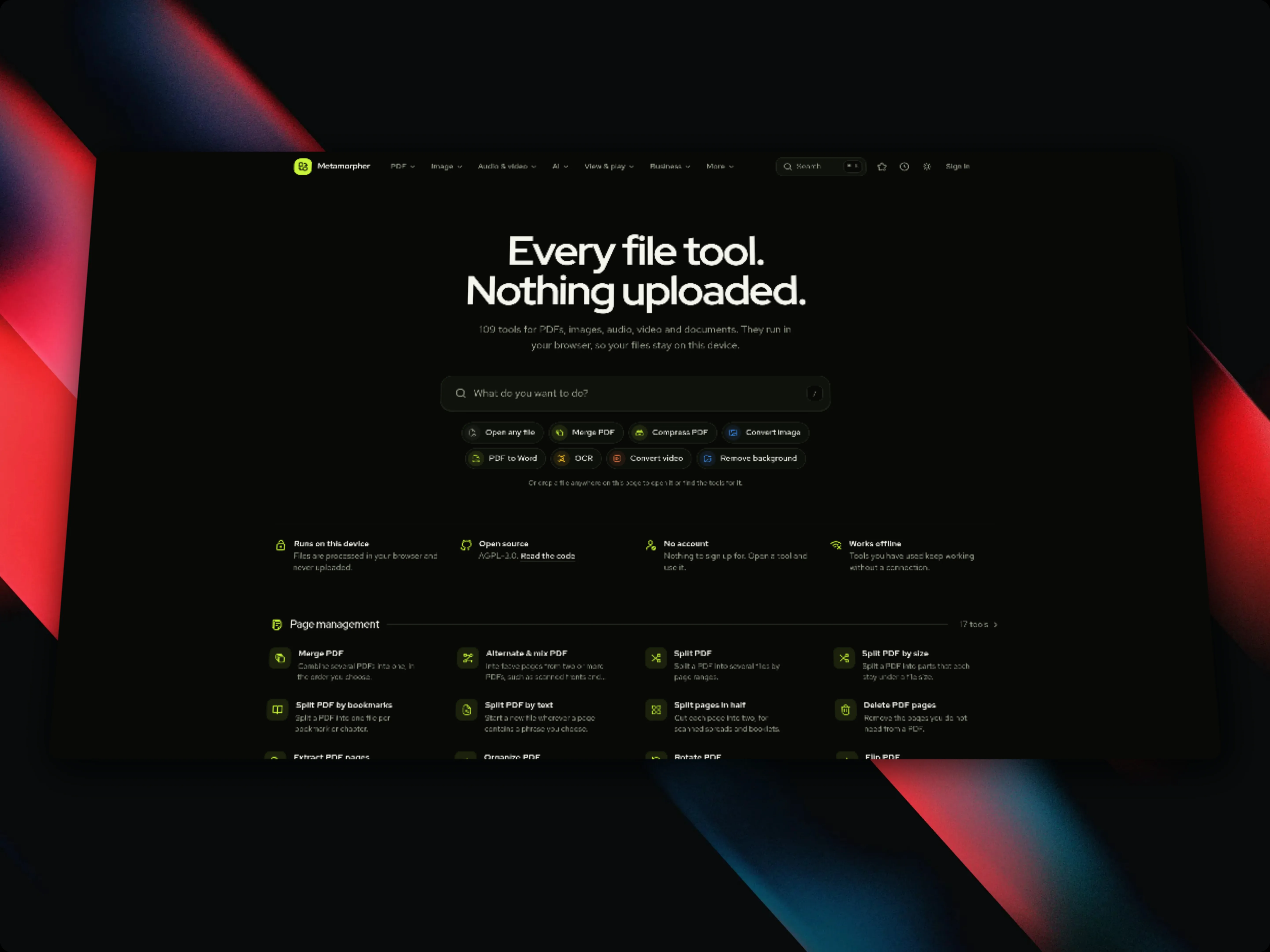
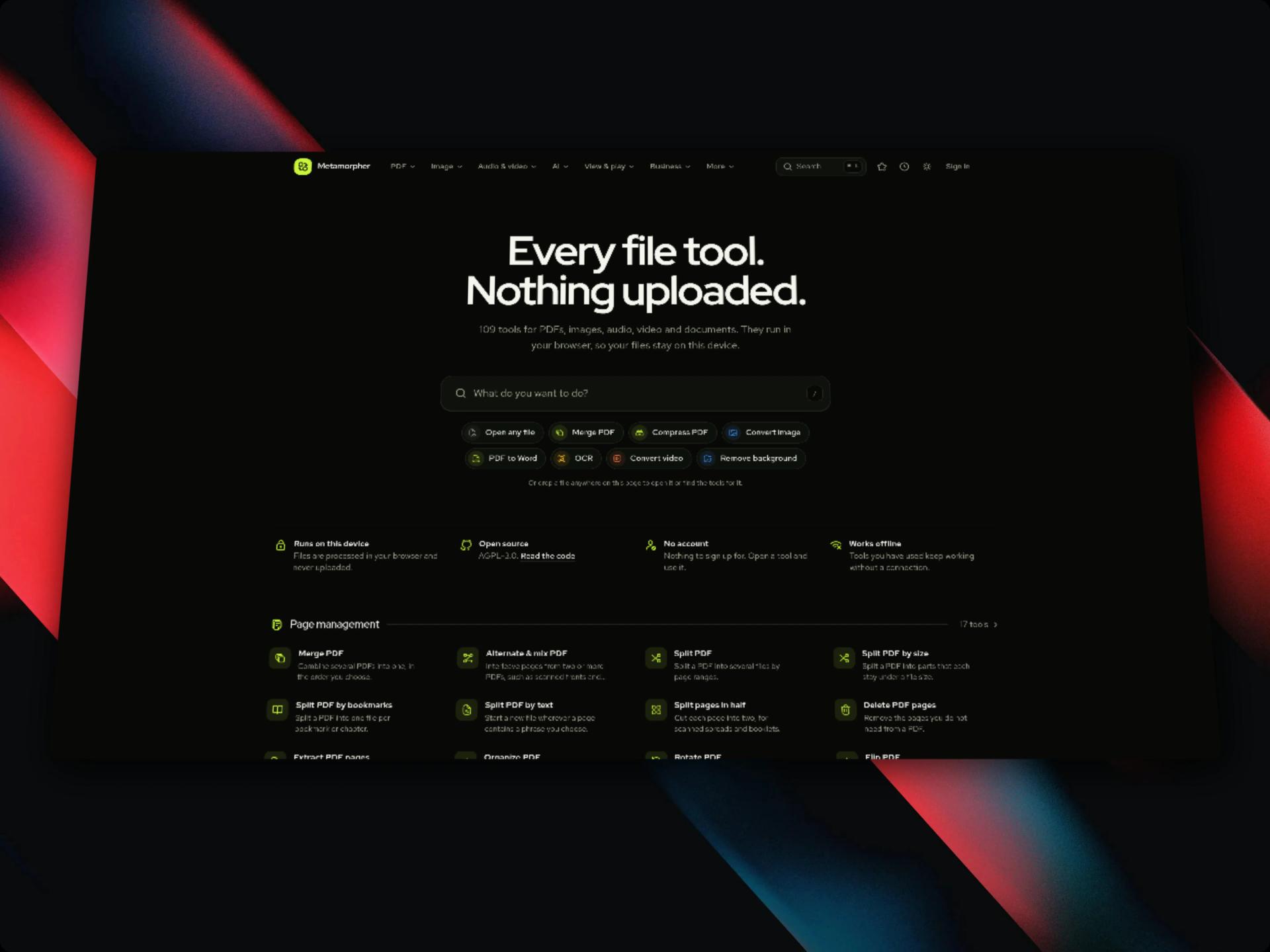
So I rebuilt it from scratch. The new Metamorpher is 109 tools for PDFs, images, audio, video and documents. Every one of them runs in your browser. There is no upload step because there is no server for a file to go to.
Not one source file from the old app survived. This post is about how the new one is put together, and the bugs I only found once it was live.
What it does now
- PDF: merge, split (by pages, size, bookmarks or text), compress, rotate, crop, edit, sign, fill forms, redact, watermark, number, encrypt, unlock, repair, compare.
- Conversion: Word, Excel, PowerPoint, EPUB, HTML, Markdown, CSV and text to PDF, and PDF back to Word, Excel, PowerPoint, HTML, EPUB, text and images.
- Images: convert, compress, resize, crop, HEIC to JPG, SVG to PNG, favicons, metadata removal, background removal and upscaling.
- Audio and video: convert, compress to a target size, trim, merge, mute, change speed, rotate, resize, GIFs both ways, extract audio or frames.
- Viewers: CSV, JSON, Markdown, PDF, Office documents, images, media, archives, subtitles, fonts, SQLite databases, plain text and a hex viewer.
- AI that runs on your device: OCR, transcription, summaries and chat with a document.
- Everyday tools: an invoice generator, a résumé builder with a real LaTeX mode, a whiteboard, QR codes, a receipt maker and device-to-device file sharing.
One registry, one folder per tool
The first version was a single 800-line component. That does not scale to a hundred tools, so the new one is built around a registry. Each tool is one entry (name, category, accepted file types, search keywords) and one folder holding its page. The navigation menus, the home page, search, the sitemap and each tool's metadata are all generated from that list. Adding a tool means adding an entry and a folder; nothing else needs to know.
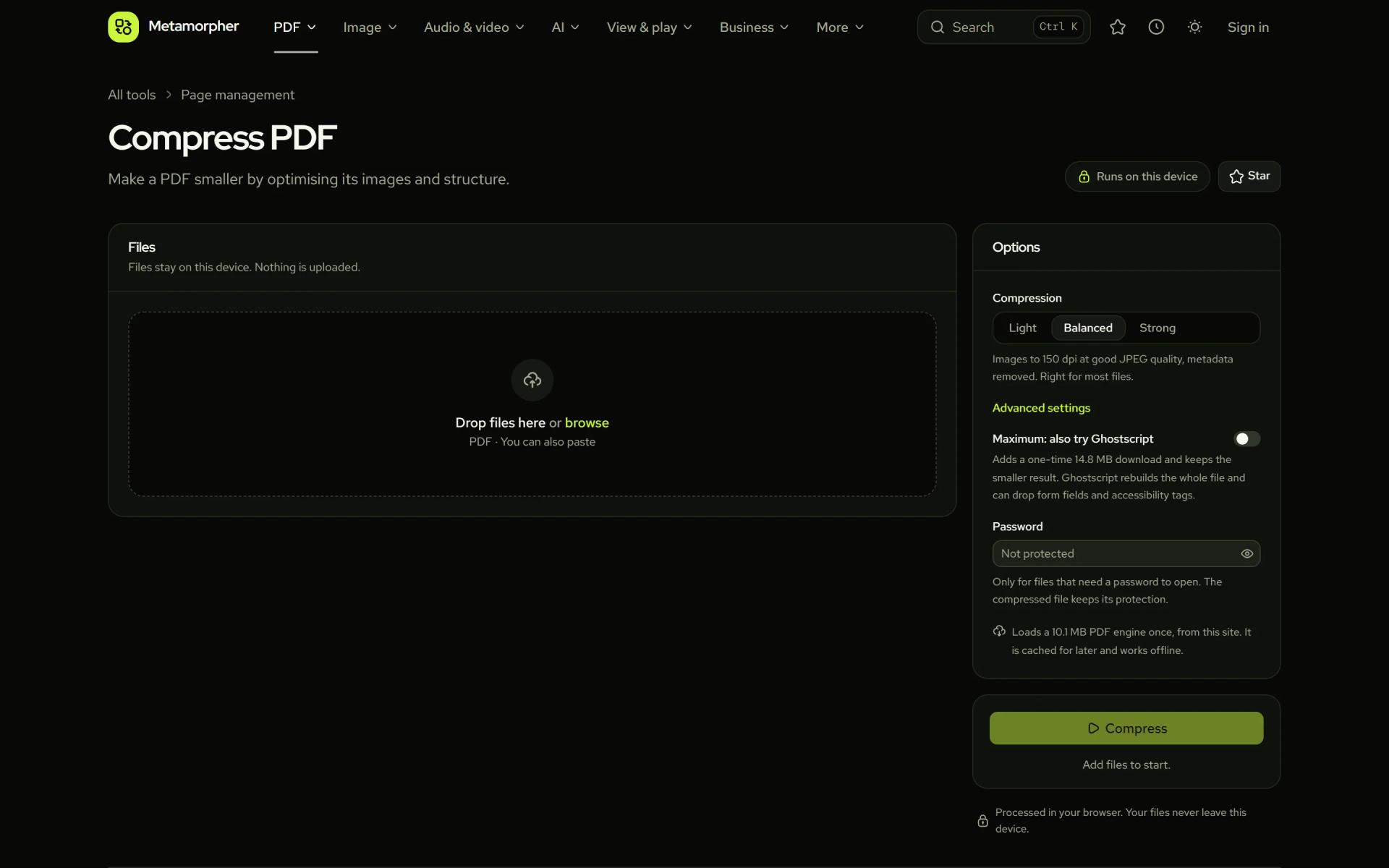
Most tools share one workbench: a dropzone, a file list with per-file progress, an options panel, a run bar and a results list with a "Download all" ZIP. A tool supplies its options and a function that turns a file into a result. That is why 109 tools feel like one product instead of 109 small websites.
The right engine for each job
The old app sent everything through FFmpeg. The new one picks the best engine for each kind of work, and every engine runs in a Web Worker so the page stays responsive:
| Job | Engine |
|---|---|
| PDF structure (merge, split, rotate, metadata) | pdf-lib |
| PDF rendering, text, redaction, annotation | MuPDF compiled to WebAssembly |
| Encryption and repair | qpdf |
| Heavy PDF compression | Ghostscript |
| Image codecs | jSquash (MozJPEG, OxiPNG, WebP, AVIF) and a HEIC decoder |
| Video and audio | WebCodecs first, FFmpeg as the fallback |
| OCR | Tesseract |
| On-device AI | ONNX Runtime with models from Hugging Face |
| LaTeX résumés | a TeX Live build compiled to WebAssembly |
| SQLite viewer | sql.js |
Two decisions mattered more than the rest.
WebCodecs before FFmpeg. Browsers now expose their own hardware video encoders and decoders. Using them makes a conversion several times faster than software FFmpeg in WebAssembly, and it avoids FFmpeg's memory ceiling. FFmpeg is still there for the formats the browser cannot handle, loaded only when one of those shows up.
Everything is self-hosted. The first version fetched FFmpeg from a public CDN. That is a third party seeing every visitor, and it breaks offline use. Now a build script copies every engine out of node_modules into the site's own static files. The pages make no requests to anyone else.
Privacy you can check
"Your files never leave your device" is easy to write and hard to trust, so I tried to make it verifiable. The site loads no third-party scripts, no fonts from a CDN and no analytics service. Usage statistics are a small first-party counter of tool names, never files, and there is a switch in the footer to turn it off.
A few features do talk to something else, and only when you choose them: an on-device AI model is downloaded once from Hugging Face, and if you add your own API key for a cloud model, your text goes straight from your browser to that provider. The privacy page lists each of these and describes what the code does, not what a policy template says.
Accounts exist but are optional. Signing in adds history and settings sync, nothing more, and the whole backend sits behind one switch so the site can run as a purely static toolkit.
Offline, and the bug that hid for a day
The app is a PWA. A service worker precaches the application so that, after one visit, tools keep working with no connection.
That sentence was false on launch day, and I did not notice.
The worker file listed 227 scripts that did not exist on the server, so the browser refused to install it. The cause was dull: a generated file had been committed by accident, and the host was serving that stale copy with file names from my laptop's build. Every page still loaded, every tool still worked, and offline mode silently did nothing.
Fixing it surfaced a second bug. Once the worker installed, a returning visitor got Missing worker bootstrap config on any tool that used a background worker. The bundler starts its workers from a script URL carrying parameters in the fragment, and a response served from a cache loses that fragment. I already had a workaround for it, but it matched the script by path, and the host puts that script in a different folder than a local build does.
Both bugs had the same shape: they only existed on the deployed site, for a second-time visitor. My tests all used a fresh browser on a local build. The lesson I took is to test the thing users actually get. I now run every tool against the live site with real files, once as a new visitor and once as a returning one with the worker in control.
Small models need guard rails
The AI tools let you bring your own key. My first test of "Chat with PDF" on a real résumé returned pages of the same phrase repeated. The provider had no default model configured, so the app had picked the first one in the provider's list, which was a tiny special-purpose model.
The fixes were mostly about not trusting the happy path: prefer a general chat model, add a repetition penalty, clip old answers so they cannot crowd out the document, retry with fewer excerpts when a model rejects the size of a request, and wait out a per-minute rate limit instead of reporting it as an empty account. None of that is clever. It is the difference between a demo and something that survives a stranger's first try.
What it cannot do yet
Being honest about limits is part of the point:
- Editing the existing text inside a PDF is not there yet; you can add text, shapes, images and signatures on top.
- Word to PDF is close but not pixel-identical to Word itself.
- Very large videos are bounded by the memory a browser tab is allowed.
- The LaTeX résumé mode is pdfLaTeX without TikZ or BibTeX.
Try it
Metamorpher is free, has no adverts and no limits, and the code is open source under AGPL-3.0.
- Use it: metamorpher.kroszborg.co
- Read the code: github.com/Kroszborg/metamorpher
Open a tool, run it, then turn off your Wi-Fi and run it again. If a tool you need is missing or something breaks, open an issue. That list is what I am building from next.