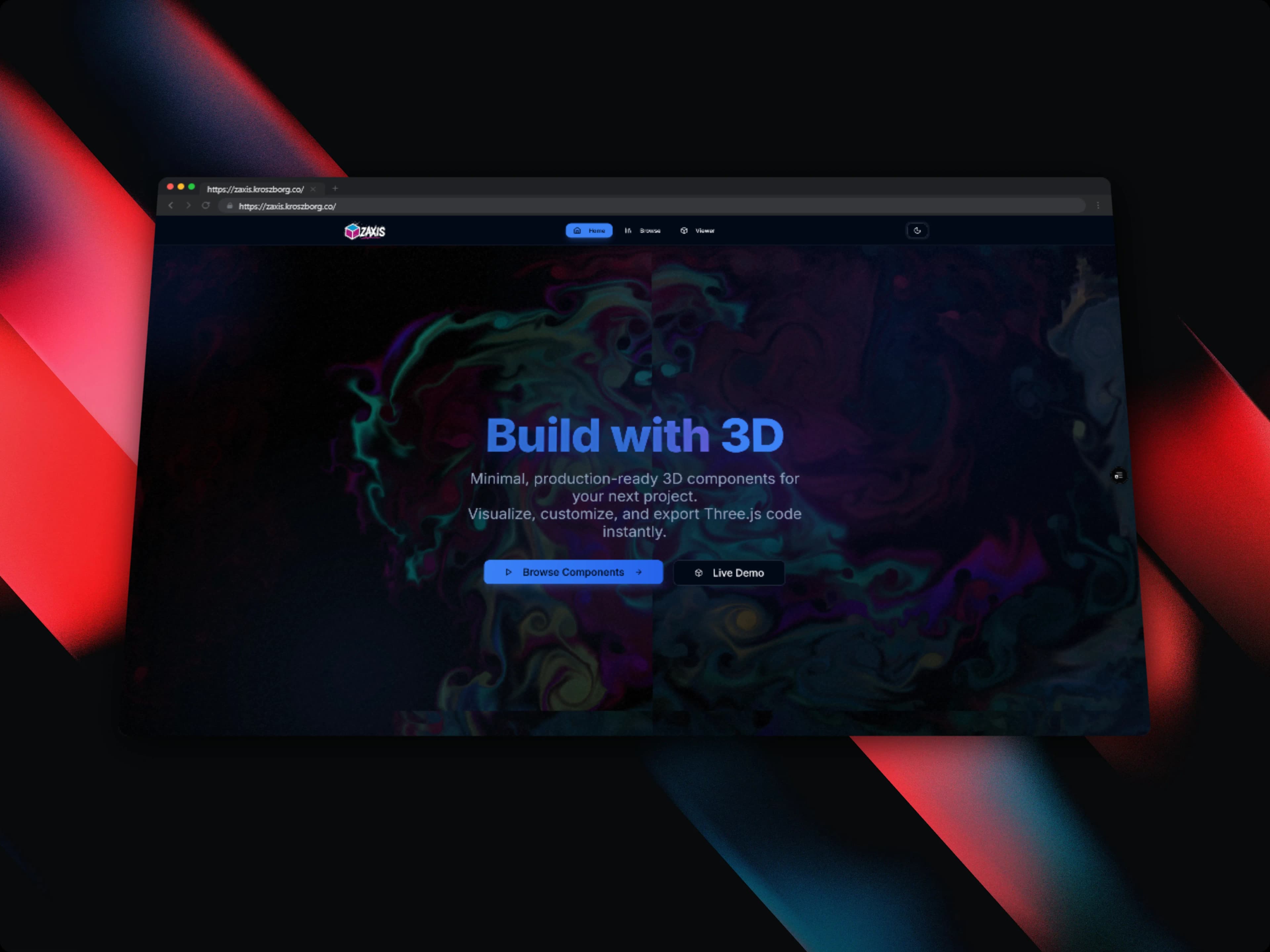
Building ZAxis: Drop-In 3D Components for React
How I built a minimal 3D component library with React Three Fiber: production-ready 3D UI, a live customization panel, and one-click code export, so developers can add 3D without a Three.js deep dive.
ZAxis is a minimal 3D UI component library built with React, Three.js, and React Three Fiber. The idea is simple. Production-ready 3D components (buttons, cards, loaders, and other interactive elements) that you drop into a React app without needing to learn the rendering stack underneath. Every component ships with a live customization panel and a one-click code export, so you can tune a component to taste and walk away with the exact code that produces it.
I built it solo over two months. This is the story of how it came together and the engineering decisions that made it work.
The problem
Adding 3D to a web application usually means signing up for a steep learning curve. To do anything non-trivial you need a working grasp of WebGL, Three.js, and React Three Fiber (R3F), and getting comfortable there takes days or weeks, not hours. The result is predictable. Most developers either skip 3D entirely or reach for a heavy, opinionated 3D library that is hard to customize once it's in.
What was missing was a lightweight, component-first option. Something where you could add production-quality 3D to a React app the same way you'd add any other UI component. Import it, pass a few props, done. ZAxis is my answer to that gap.
The rendering architecture
Each ZAxis component wraps a React Three Fiber <Canvas> scene with its own fixed camera, lighting setup, and geometry. That isolation matters. Every component renders into its own <Canvas> so scenes never fight over a shared graph. Components accept typed props for customization, and internally those props map onto Three.js material and geometry parameters. Animation is driven by R3F's useFrame hook, which ties motion to the canvas frame rate so everything stays in sync with the render loop.
Here's the shape of a component, simplified to its essentials:
function SpinningButton({ color, size, speed }: ButtonProps) {
  const meshRef = useRef<THREE.Mesh>(null)

  useFrame((_, delta) => {
    if (meshRef.current) {
      meshRef.current.rotation.y += speed * delta
    }
  })

  return (
    <Canvas camera={{ position: [0, 0, 4] }}>
      <ambientLight intensity={0.5} />
      <directionalLight position={[2, 2, 2]} />
      <mesh ref={meshRef}>
        <boxGeometry args={[size, size, size]} />
        <meshStandardMaterial color={color} />
      </mesh>
    </Canvas>
  )
}
The interesting part isn't any single component. It's that the props (color, size, speed) are the same surface the customization panel manipulates and the export system serializes. One typed contract, used three ways.
Hitting 60fps
A 3D library that stutters isn't production-ready, so 60fps was a target from day one rather than an afterthought. A few techniques carried most of the weight:
- Instancing. Repeated geometry, particle systems being the obvious case, uses
InstancedMesh, which collapses to a single draw call regardless of how many instances are on screen. - Geometry merging. Static multi-part components merge their geometries at mount time, cutting down the number of draw calls the GPU has to chew through each frame.
- Material reuse. Shared
MeshStandardMaterialinstances are reused across component variants, avoiding redundant GPU uploads. - Suspense boundaries. Heavy assets and GLTF models load behind React
<Suspense>so they never block the initial render. The page stays responsive while the 3D content streams in.
Components are also accessible. They respect prefers-reduced-motion, so animation-sensitive users get a calmer experience without me bolting on a separate code path.
The real-time customization engine
The customization panel is where ZAxis stops being a component set and starts being a tool. It's a React-controlled form (colors, geometry size, lighting direction, animation speed) and the trick is where its state lives. I lifted that state into a context provider that wraps both the panel and the 3D canvas.
That single decision makes the rest fall out naturally. Every input change triggers a state update that flows directly into the Three.js material and geometry parameters on the next frame. There's no intermediate serialization step between moving a slider and seeing the scene react. The same state object that backs the form backs the render. Changes show up instantly in the viewport, with no reload and no recompile.
To make it feel like a real playground, I persist the configuration to localStorage inside a debounced useEffect. Debouncing keeps me from hammering storage on every pixel of slider movement, and the upshot is that a developer's last setup is always waiting for them when they come back.
| Concern | Mechanism |
|---|---|
| Form state | React-controlled inputs |
| Panel ↔ canvas bridge | CustomizationContext provider |
| Live updates | State flows into material/geometry per frame |
| Persistence | Debounced localStorage write in useEffect |
One-click code export
A customization panel is only half useful if you can't take the result with you. The export system closes that loop. It serializes the current context state into a JSX template string using a per-component template function.
Those templates are written as tagged template literals with typed slots for each customizable prop, so the generated code always reflects the live configuration accurately. Every prop in the output matches what's currently on screen. The result is clean and standalone. There's no abstraction leakage where you copy a snippet and then discover it depends on three internal helpers.
In the UI, the generated code is syntax-highlighted with Shiki and copied to the clipboard via the Clipboard API. And because not every project is TypeScript, the exporter produces both: a TypeScript version with a typed props interface, and a plain JavaScript version.
Challenges I ran into
A few problems took real effort to get right:
- 3D rendering performance. Keeping a smooth 60fps in the browser drove most of the architectural choices above. Instancing, geometry merging, and material reuse all exist because of this constraint.
- A reload-free customization engine. Building real-time customization without page reloads meant getting the state model right so UI changes could reach the 3D scene immediately.
- A one-click export that works for any configuration. Generating correct, runnable code from arbitrary live state pushed me toward the template-function approach rather than ad-hoc string building.
- Making Three.js approachable. The hardest design problem was hiding complex Three.js internals behind a simple component API without stripping away the flexibility that makes 3D worth doing.
What I learned
Building ZAxis taught me more than any tutorial could have:
- How React Three Fiber bridges the declarative React model with Three.js's imperative scene graph, and how to think in both at once.
- Advanced WebGL performance techniques: instancing, draw call reduction, and frame-budget thinking.
- The Drei helper ecosystem (OrbitControls, Environment, and friends) and where it saves you from reinventing common R3F patterns.
- How to design an ergonomic component API that hides complexity without removing flexibility.
- What it takes to build an interactive developer tool where a single state model drives the UI and the 3D engine simultaneously.
- TypeScript generic constraints for strongly-typed configuration objects, so customization stays autocomplete-friendly end to end.
Closing
ZAxis is about making 3D a practical choice for React developers who want visual polish without a Three.js deep dive. Drop a component in, tune it live, export the code, ship it.
You can try the live playground at zaxis.kroszborg.co.